
Help center
How can we help?
Search for a topic or choose the situation that matches yours below.
Search the help topics listed below.
Start here
Choose your device
Find the right downloads and guides for your device.
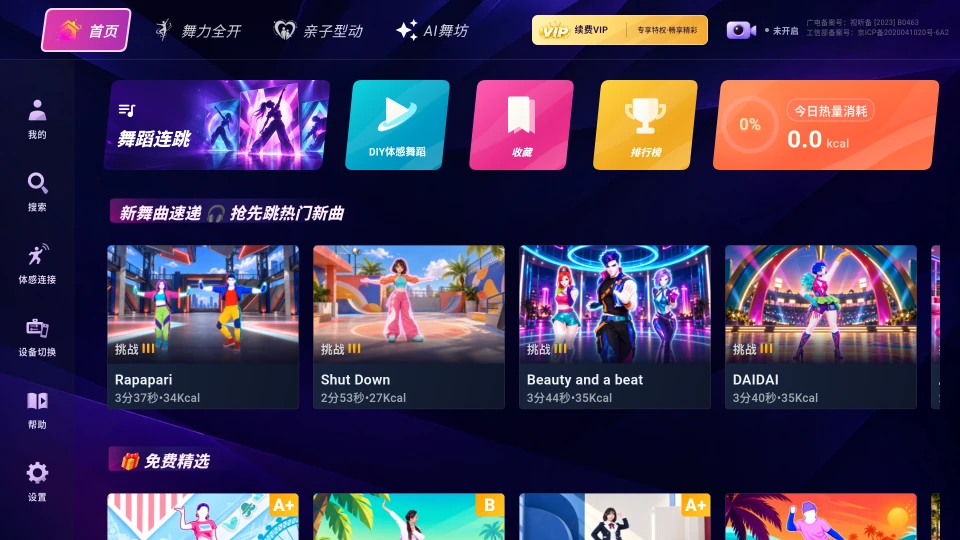
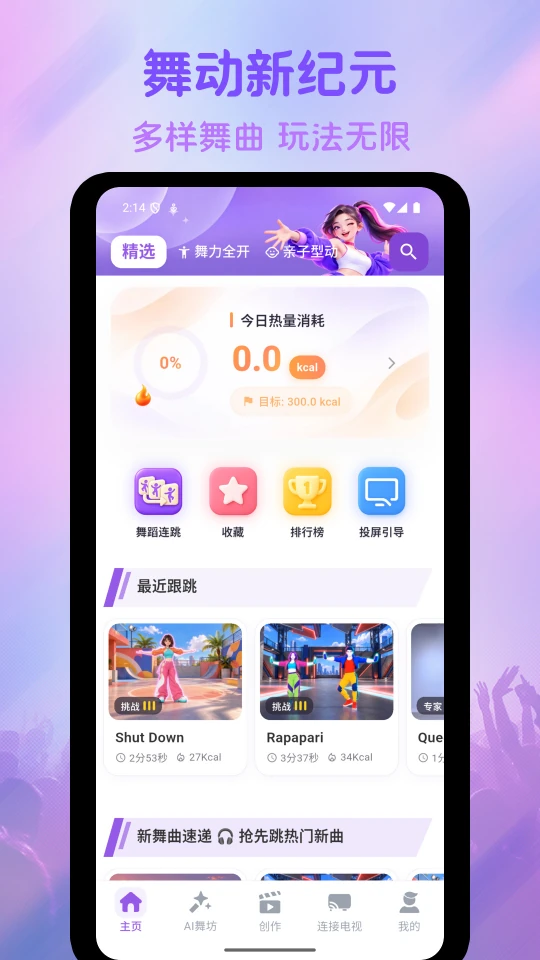
Help topics
Browse by question
Choose a question to jump straight to its answer.
Mobile & creation Download, create and share dance content
TV & devices TV installation, phone connections, cameras and playback
How do I connect my phone to my TV? How do I set up a camera? How do I install the TV app from a USB drive? Is my TV or projector supported? How do I use motion tracking with a projector? My phone can’t find the TV, or the QR code connection fails My USB camera isn’t recognized or won’t start I’m not visible, or detection is unstable Videos load slowly or stutter How do I adjust playback speed, picture quality and detection frame rate? What if dance scoring seems inaccurate? The app crashes, won’t start or runs slowly
Accounts & memberships Sign-in, memberships, redemption codes and refunds
I purchased a membership. Why aren’t my benefits showing? Are phone-number and WeChat sign-ins the same account? Can I transfer membership benefits to another account? How do I use a redemption code? What if redemption fails or my benefits don’t arrive? How do I cancel a membership subscription or ask about a refund? How can I get help with an accidental purchase by a child? What is camera permission used for? What if my account is restricted or I disagree with a decision?
Older TV versions Connections and use with the older interface
How can I identify the original TV interface? Install from your TV’s app store Switch from camera mode to a phone connection Switch to the TV camera How do I change my avatar or nickname in the older TV app? Where should one or two players stand? Black screen or stuttering video Videos won’t load or the sign-in QR code is missing Storage or camera permission issues
No matching questions found. Try “connection”, “membership” or “playback”, or contact us.
Still need help?
Tell us your device model, system and app versions, and what went wrong. Don’t send passwords or verification codes.
Email us ↗
You can also send feedback in the app under Me → Settings → Help & feedback (我的 → 设置 → 帮助与反馈).