
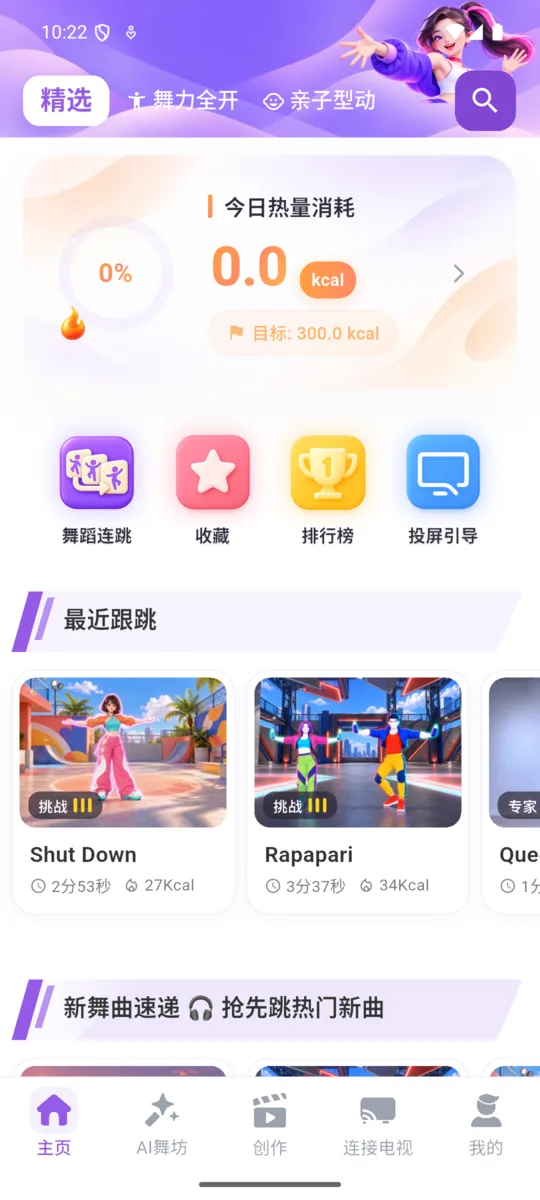
Android · Mobile
Keepdance Party
Dance along on your phone, wherever you make room.
Official downloads
Keepdance Party on your phone. Keepdance on your TV. One place to find the right download.
Choose Android, App Store or TV below.
Android · Mobile
Dance along on your phone, wherever you make room.

iPhone & iPad
Get the iOS app from the official App Store.
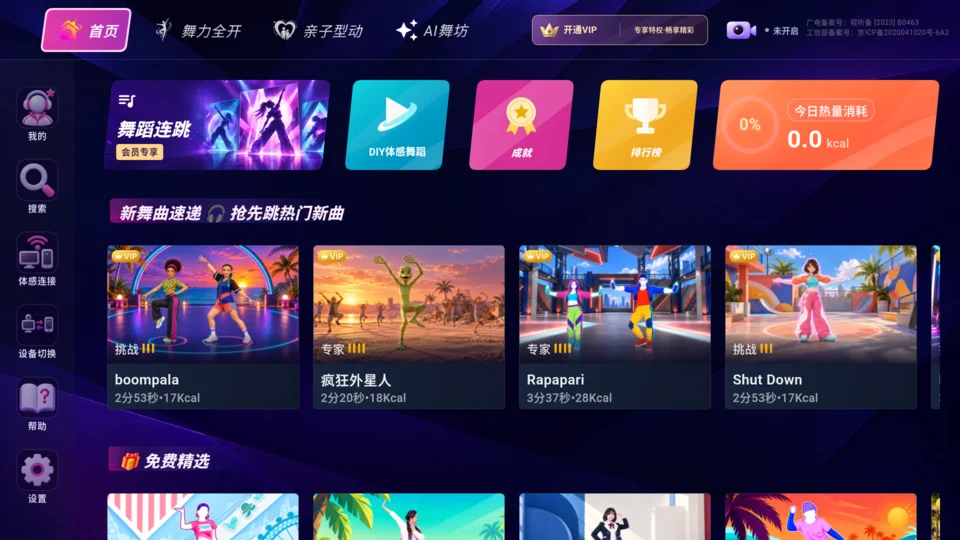
Android TV · TV boxes
Dance together on the big screen, using a phone or compatible camera.
iPhone and iPad go to the App Store. On Android in WeChat or QQ, open this page in your device’s browser first. The TV installer is for Android TVs, not iPhone or iPad.
On the big screen
Make your living room a dance floor. Move to the music with family and friends on the big screen.
Download the TV APK on a computer or phone, then try copying it to a USB drive and following your TV’s installation prompts. Installation methods and compatibility vary by device. See the TV installation guide →
No TV camera? Use your phone. Connect both devices to the same local network and follow the app’s prompts.
Search for Keepdance (热舞型动) on your TV or projector. Availability, installation permissions and compatibility vary by model and region; these are options to check, not a promise of support.
Phones & tablets
Dance along on your phone and see your progress, one session at a time.
On Android, follow your device’s installation prompts. On iPhone or iPad, download from the App Store.
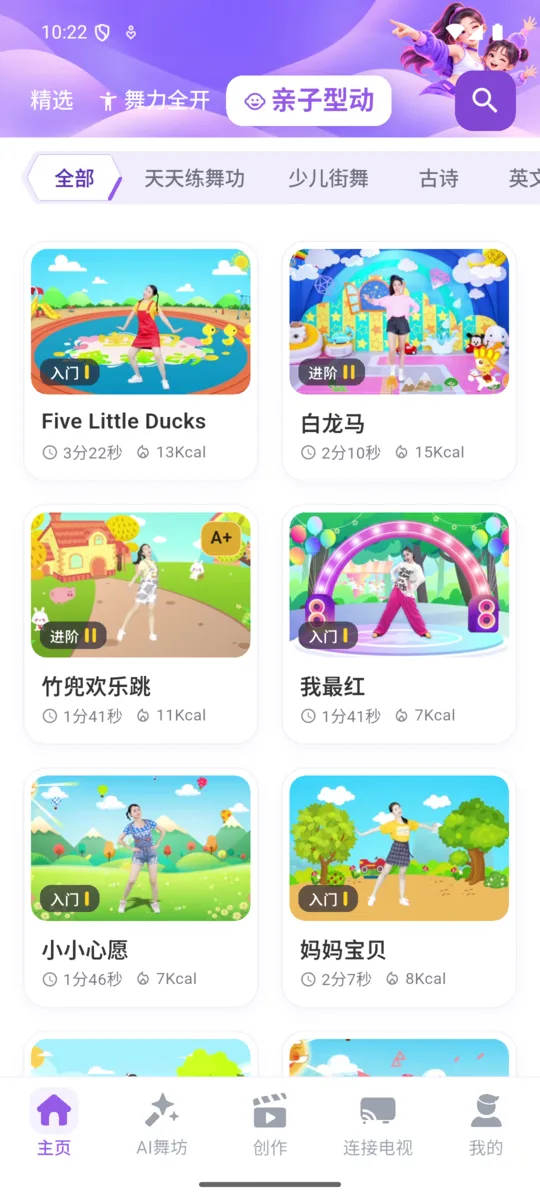
The HarmonyOS version for phones and tablets is still in development and is not yet available. We’ll add download details here when it’s ready.
Find answers about device connections, playback, accounts and memberships.
This website is available in English. App menus, screenshots and video tutorials may still be in Chinese.